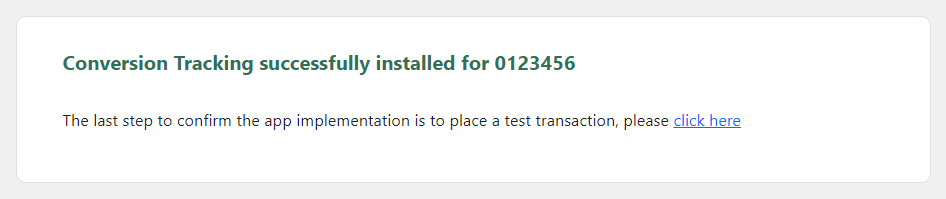
With the FuseTwo Conversion Tracking WordPress plugin for WooCommerce, setting up conversion tracking for your programs is quick and easy. Here’s how to do it.
1. In your WordPress admin dashboard, go to the Plugins page, click Add New Plugin, and search for FuseTwo Conversion Tracking.

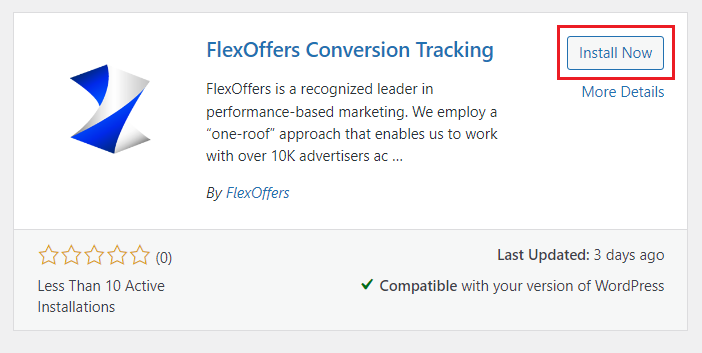
2. Click the Install Now button.
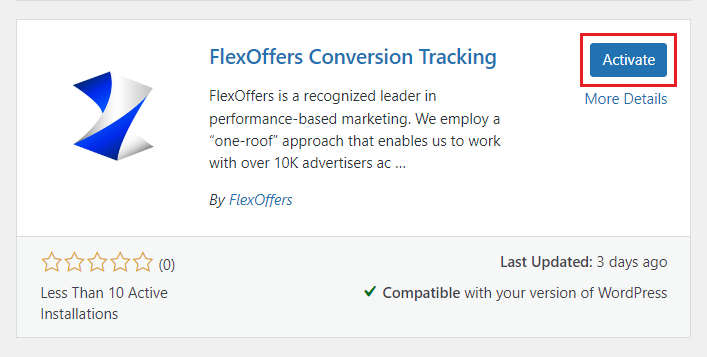
3. Click the Activate button.
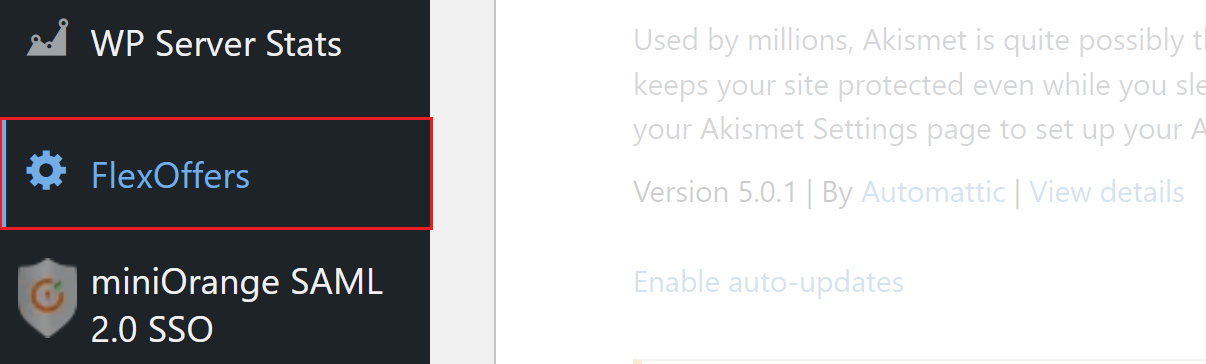
4. In the left navigation menu, click FuseTwo.
5. Enter the email address and password for your FuseTwo account and click the Log In button.

6. Click the Install button.
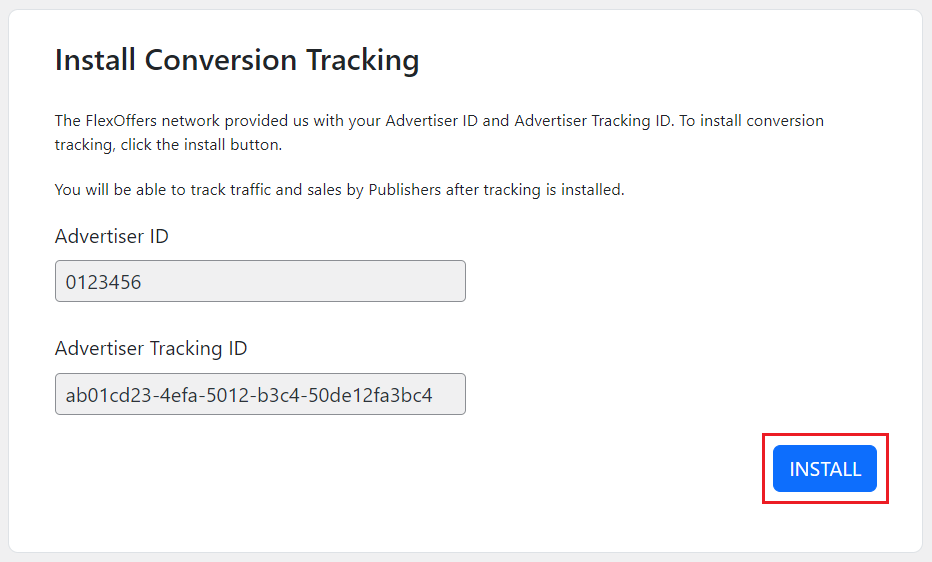
7. You have successfully installed the FuseTwo Conversion Tracking plugin! The next step is to go to the Settings > Tracking Diagnosis page in your FuseTwo account and follow the instructions to create a test transaction.